Stop Words in Search: What They Are and How Stores Handle Them
Stop words are common words like the, of and in that search systems skip. Learn how they work, how to force Google to match them, and what it means for store search.

Stop Words in Search: What They Are and How Stores Handle Them
Stop words are very common words, such as “the,” “of,” “in” and “a,” that a search system skips or gives little weight because they rarely help it tell one result from another. Each system keeps its own list, so a word that is ignored in one search box can be matched in another. If you are a shopper, quotation marks usually force a word to count. If you run a store, the fix depends on what your shoppers actually type.
TL;DR
- Stop words are high-frequency words (“the,” “on,” “which”) that search tools often leave out of matching. There is no universal list.
- “Ignored” does not always mean “erased.” Some systems still count stop words for phrase and proximity searches.
- On Google, put a word in quotation marks to make it count.
- On Shopify, a search made only of stop words is treated as empty and returns all products, which is a common source of confusing results.
- For a store, the goal is not to edit a list. It is to make sure queries that contain stop words still land on the right products.
Table of Contents
- What stop words are
- Why search systems skip them
- Ignored does not always mean erased
- How to make Google count a word it would skip
- Stop words in ecommerce search
- When to keep and when to drop stop words in product search
- Why typos and stop words get mixed up
- Semantic search changes the question
- Our perspective
- Get a clear view of your own queries
- FAQ
- Sources
What stop words are
In library and database terms, stop words are frequently occurring, insignificant words that appear in a record, article or web page. MIT’s library guide lists examples such as “a,” “an,” “the,” “in,” “of,” “on,” “are,” “be,” “if,” “into” and “which,” and notes that the exact set varies by database.
That last point matters. There is no single list that every company or programmer uses. One engine may skip 30 words, another 500, and another none at all. Articles that promise “the complete list of Google stop words” are describing one convention, not a rulebook.
The idea is old and practical. In a large body of text, words like “the” appear in nearly every document. A search for them matches everything, so they separate nothing. Skipping them keeps the index smaller and queries faster.
Why search systems skip them
There are three reasons, and they explain most of the odd behavior you see.
- Relevance. A word that appears in almost every document tells the engine nothing about which document is best.
- Speed and size. Leaving out the most frequent words shrinks the index and shortens the work for each query.
- Intent. In a natural-language query, words like “how” or “where” often frame the question rather than describe the thing being sought.
The cost is that some queries depend on those small words. The Wikimedia Foundation, writing about its own search, describes the stop-word list as a judgment call and points out that dropping common words can make a phrase like “To be or not to be” unfindable. It also describes alternatives: weighting words by how rare they are, or keeping more than one index, instead of deleting every common word.
Ignored does not always mean erased
A stop word can be left out of one part of a search and still count in another. EBSCO’s documentation explains that its engine does not add stop words to the search dictionary but still counts them as words when it measures distance in proximity searches. In that case a stop word acts like a wildcard for any single word.
The same page says most database systems will not return results for a query made up only of stop words. That detail turns out to be very relevant to online stores, covered below.
How to make Google count a word it would skip
Google has long treated very common words as optional. Google Guide notes that words such as “the,” “on,” “where,” “how,” and foreign-language words like “de” and “la” may be ignored, along with some single digits and letters.
The fix is simple: enclose the term in quotation marks. That tells Google to match it exactly. Two examples:
- Searching for the band, use “the who” in quotes so “the” is not dropped.
- Searching for the film, use Star Wars “I” rather than Star Wars I, so the numeral is kept.
Quotation marks on a single word force a precise match for that word. Around a phrase, they require the words in that order. Use them when a small word is the whole point of the query: a title, a band name, a quote, a model number.
Other operators help when results look off, and they behave differently on each platform. For how operators interact with relevance sorting on a forum site, see this guide to Reddit search operators. The same principle applies across engines: the more precisely you tell a system what to match, the less it guesses.
Quick reference for shoppers and researchers
| What you want | What to do |
|---|---|
| A small word to count in Google | Wrap it in quotation marks: “the” Onion |
| An exact phrase | Put the whole phrase in quotes |
| A library database to include a common word | Check that database’s help page for its stop-word list and phrase syntax |
| A result that needs a word nearby | Use proximity operators where the database supports them |
Stop words in ecommerce search
This is where the topic stops being trivia. A shopper types into your search box in a hurry, often on a phone, often in plain language. Plain language is full of small words: “dress for a wedding,” “shoes with arch support,” “the north face jacket,” “top in black.”

Shopify documents how its own storefront search treats these words. According to the Shopify Help Center, stop words such as “the” are excluded because they are too common to be useful for matching, and including them would slow search down. This applies in all supported languages. A search that contains only stop words is treated as an empty search and returns all products.
The same page lists two related behaviors worth knowing. Search syntax turns off typo tolerance, predictive query suggestions and semantic understanding for that search. And an unlisted or out-of-stock product (when hidden in Search & Discovery settings) will not appear, which is often mistaken for a stop-word problem.
Where stop words quietly cost sales
Skipping a stop word is usually harmless. “Red dress for a wedding” becomes “red dress wedding,” which is fine. The trouble shows up in a few predictable patterns:
- Stop-word-only queries. Brand or product names built from common words (“The Ordinary,” “It,” “Be”) can collapse into an empty search and show the whole catalog.
- Meaning carried by a small word. “Shoes with laces” and “shoes without laces” differ by one word. “Top in black” versus “black top” is harmless, but “for men” versus “for women” is not, and gendered words are often short.
- Product titles that contain them. If your catalog has “Back to School Backpack” or “Of the Moment Tee,” shoppers who copy the name exactly should land on it.
- Multilingual catalogs. Each language has its own set, and a word that is a stop word in one language may be a meaningful term in another.
- Natural-language queries. Shoppers now type whole questions: “what should I wear to an outdoor wedding.” Word-by-word matching, with or without stop words, handles that badly.
For a deeper look at how these misses show up in a Shopify store, our guide on Shopify search stop words shows how to fix them without editing a list.
When to keep and when to drop stop words in product search
There is no blanket answer, but there is a sound way to decide. Treat the stop-word question as a query-by-query question, not a configuration switch.
Drop them when the small word only frames the request. “Looking for a blue shirt” should behave like “blue shirt.”
Keep them when the small word changes the product. Negations and relations (“without,” “with,” “for,” “under”), and any word that is part of an exact product or brand name, are the common cases.
Interpret them when the small word signals intent. “Under $50” is a price filter, “for men” is a category, “with pockets” is an attribute. Understanding that is more useful than matching or ignoring the word. Our page on query understanding describes how this works in practice.
A practical way to find your own cases:
- Export your search terms report for the last 30 to 90 days.
- Filter for queries with zero results or with a high exit rate after search.
- Mark every query that contains a common small word.
- For each, ask: would a person at a shop counter know exactly what this shopper means? If yes, your search should too.
- Sort the failures into groups: name collisions, negations, attribute phrases, and whole-sentence queries.
- Fix each group with the right tool: synonyms, exact-match handling for names, attribute parsing, or semantic matching.
On step 6, many teams reach first for a synonym list. That can help, but synonyms applied too broadly can hurt relevance. This walk-through of an ecommerce synonym strategy shows how to fix zero results without damaging good results.
Why typos and stop words get mixed up
Many “stop word problems” are really something else. A shopper who types “jakcet for the rain” has a typo and a stop word in one query. If the search tool corrects “jakcet” and ignores “for the,” the query works. If it does neither, the shopper sees nothing and leaves.
That is why it pays to separate causes before you change anything:
| Symptom | Likely cause | Where to look |
|---|---|---|
| Whole catalog appears | Query is only stop words | Search behavior rules for your platform |
| Zero results for a long phrase | Every word must match, including filler | Query handling and semantic matching |
| Zero results for a short query | Typo or vocabulary mismatch | Fuzzy matching and synonyms |
| Wrong products first | Small word changes meaning | Query understanding, merchandising |
| Results revert after switching language | Language fallback | Language fallback rules |
If you want to see which of these patterns affects your store, the search audit checklist walks through them in order.
Semantic search changes the question
Keyword search asks whether the words in the query appear in the product. Under that model, stop words are noise, and removing them is a reasonable tradeoff.
Semantic search asks what the shopper means. Under that model, small words become signals instead of noise. “Dress for a beach wedding” is understood as an occasion, and “without sleeves” is understood as a feature. The question of which words to skip mostly fades, because the system is matching meaning rather than strings. For a comparison of the two approaches and how many queries you need to review before choosing, see semantic versus keyword search for Shopify. And if your top failing searches are the reason you are here, fixing the top 20 search failures with semantic search is the practical next read.
Our perspective
We see stop words as a symptom, not a setting. Merchants usually come to us after noticing that a handful of searches return the wrong thing, or nothing, and they suspect a list somewhere is the cause. Sometimes it is. More often, the real issue is that the search was built to match strings, and shoppers do not type strings.
That is why we manage search as an ongoing job rather than a one-time configuration. Our service is designed around typo tolerance, semantic matching, synonym mapping and tuning based on your store’s own queries and catalog. We look at what shoppers actually typed, find the patterns that lose sales, and fix the pattern instead of patching a single word.
We also think merchants should not have to learn search engineering to get this right. Installation is handled for you, there is no coding on your side, and you keep ownership of your data. The point is that a shopper who types a sentence, a typo, or a name full of small words still finds the product.
Barikreativa
Get a clear view of your own queries
If you suspect small words and sloppy queries are costing you sales, the fastest way to know is to look at your real search data. Our free audit reviews how your Shopify store handles the queries shoppers actually type, so you can see which ones fail and why.
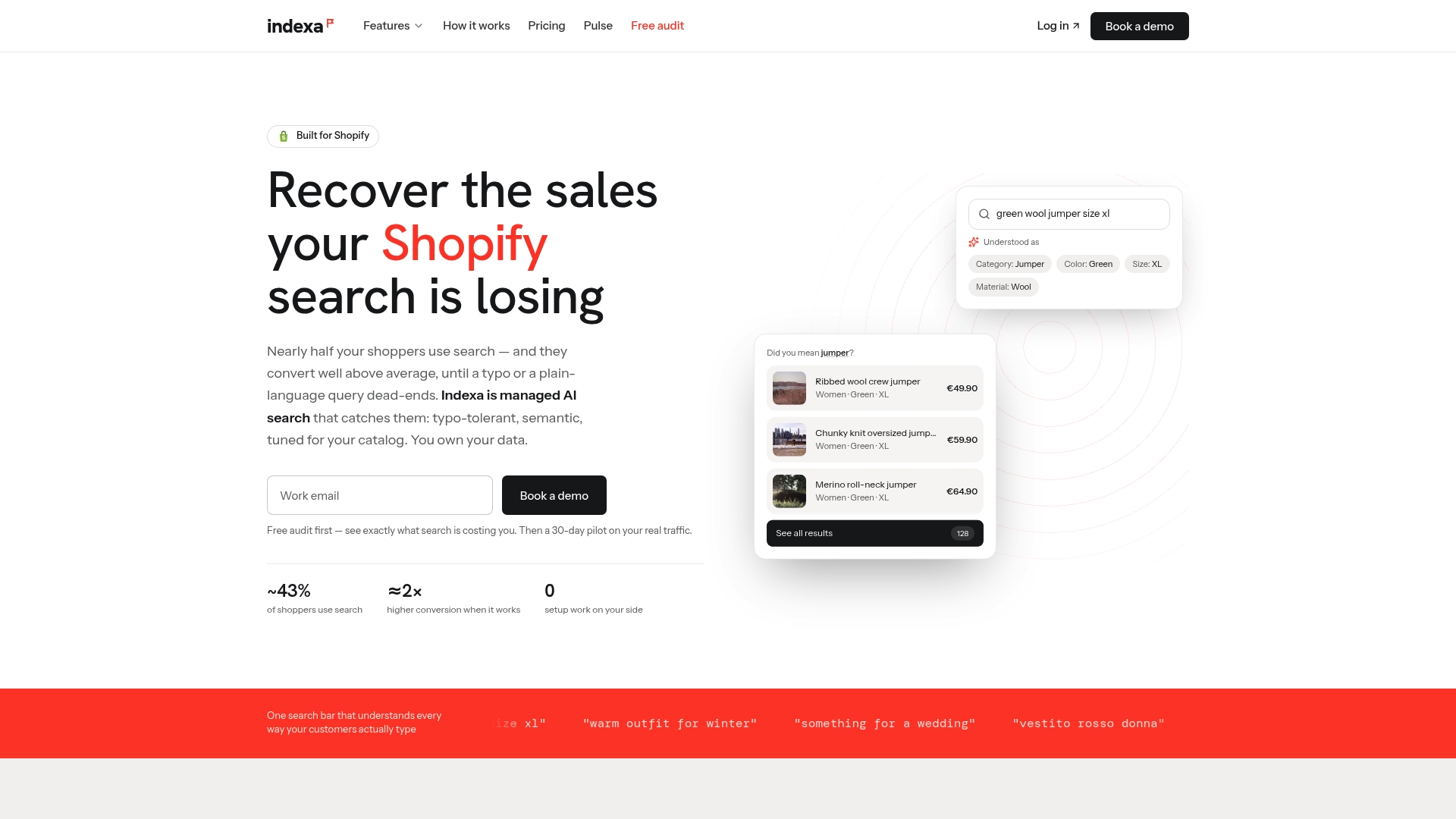
If you would rather test the improvement than read about it, we offer a 30-day pilot in which we manage the setup and tuning for you. For the current terms, see the pricing page. You can also estimate what weak search may be costing with the site search revenue calculator, or read about managed AI search and discovery for Shopify stores in full.
FAQ
What are considered stop words?
Stop words are very frequent words that add little meaning on their own, such as “a,” “an,” “the,” “in,” “of,” “on,” “are,” “be,” “if,” “into” and “which.” The exact list depends on the database or search engine, and there is no universal version. Different languages have their own sets too.
How do I force Google to search for a specific word?
Put the word or phrase in quotation marks. Google treats a quoted word as one it must match precisely, which is how you keep small words like “the” or “I” in a query. Use it for titles, names and model numbers where the small word matters.
What does it mean to remove stop words from text?
It means filtering out common words before indexing or matching, so the system focuses on the words that carry more meaning. Some systems still count the removed words for tasks such as proximity searching, so removal does not always mean the words vanish entirely.
Do stop words affect search on a Shopify store?
Yes. Shopify’s storefront search excludes stop words from matching in all supported languages, and a search made only of stop words is treated as empty and returns all products. If shoppers search with natural phrases, product names built from common words, or short qualifiers, it is worth reviewing which of those queries fail.
Should an online store keep stop words in product search?
It depends on the query. Drop them when they only frame a request, keep them when they change the product or form part of a name, and interpret them when they signal a price, category or attribute. Reviewing your zero-result and high-exit queries shows which case you are dealing with.
Sources
- Stop words, MIT Libraries database search tips
- What Are Stop Words? Computer Hope
- What are stop words and how does EBSCO’s search engine handle them
- The anatomy of search: The root of the problem, Wikimedia Foundation
- Interpreting Your Google Query, Google Guide
- Quotation Marks Force Google Search, Google Guide
- Search behavior in your online store, Shopify Help Center
Recommended
Make discovery work harder.
See what your Shopify search could do better with a free, hands-on audit.
Get your free search audit