Site Search Cost for Shopify Stores: What You Really Pay
What site search costs a Shopify store: the three pricing models, the hidden meters, and how to compare a licence fee with the total cost of running search.

Site Search Cost for Shopify Stores: What You Really Pay
Site search cost is rarely one number. For an online store it is a licence fee, plus whatever the vendor meters (searches, records, features), plus the hours someone spends keeping results relevant. The cheapest line on a pricing page is often not the cheapest outcome, and a fully managed service with a flat monthly fee is the easiest model to forecast. At Indexa we run managed AI search for Shopify stores, so this guide covers how search is priced, which meters move the bill, and how to judge cost against the sales a better search bar can recover.
TL;DR
- Site search tools bill in three basic shapes: a meter on search volume, a steadier base such as revenue or a fixed contract, or feature-gated tiers. Each one makes a different line of your budget unpredictable.
- The licence is only part of the cost. Buyer interviews from Alium Research point to request counts, record counts, plan tier and the people needed to run the tool.
- Search-as-you-type can multiply billable requests, because every keystroke may count as a search under a metered plan.
- Compare tools on total cost and relevance outcome, not on the invoice alone. A search that converts worse costs you more than it saves.
- A flat monthly retainer with tuning included removes the usage meter and the staffing question from the equation.
Table of Contents
- Why the price on the page is not the cost
- The three pricing models behind site search
- The meters that move your bill
- What different price levels usually include
- Estimating the return before you commit
- A checklist for comparing quotes
- Where a managed service fits in the cost picture
- Perspective
- Start with a free audit, then a 30-day pilot
- Common mistakes when budgeting for search
- A worked example
- Who this matters most for
- FAQ
- Sources
Why the price on the page is not the cost
Most merchants start with a simple question: what does this app cost per month? The honest answer from the buyers who have been through it is that the monthly price tells you what you pay on day one, not what you pay in month eighteen.
Alium Research’s November 2026 interviews with site search buyers found eight recurring cost mechanics: usage-based billing, contract predictability, feature tiers, bundled suites, the people needed to run the tool, the platform’s own search, in-house builds and renewals. Notice that only some of those are on the pricing page. The rest show up later, in a usage report, a renewal letter or a developer’s timesheet.
For a Shopify store, that means you should read a search quote the way you read a shipping rate: ask what is included, what is counted, and what happens when you grow.
The three pricing models behind site search
The same research describes three pricing shapes buyers run into. Knowing which one you are looking at tells you where the surprises are likely to be.
1. Metered on search volume
You pay for what shoppers do. Typically the meter is search requests, sometimes combined with the number of products or records indexed. This model looks cheap when traffic is small. It gets expensive when you do the things that grow a store: run a paid campaign, have a strong holiday season, add autocomplete.
The structural issue is that the bill rises with your success. Alium’s July 2026 switching study describes usage-based pricing that scales with traffic and queries, with buyers describing it as high and rising year over year, especially for smaller companies, and renewal price increases acting as a trigger to look elsewhere.
2. Tied to a steadier base
Some vendors price on store revenue or on a fixed annual contract. That is easier to predict, because it does not swing with a viral week. The trade-off is that a revenue-linked fee grows as sales do, and a fixed contract can lock you into terms before you know what you need. Read the renewal clause as carefully as the headline price.
3. Feature-gated plans
Here the price depends on the tier. Basic keyword search sits on the cheapest plan, and the features that matter to a fashion store, such as AI relevance, personalization and merchandising controls, sit higher. Alium’s research notes that plan tier, meaning which AI, personalization and merchandising features are included, is one of the main things that sets cost. Before you sign, ask which features you will need within a year and which tier holds them.
| Model | What you pay for | Where the surprise usually is | Best question to ask |
|---|---|---|---|
| Metered on volume | Searches, records, plan limits | Traffic spikes and autocomplete multiply the bill | How exactly is one billable unit counted? |
| Steadier base | Revenue share or fixed contract | Renewal terms and growth-linked fees | What changes at renewal? |
| Feature-gated | A tier of capabilities | Needed features sit on a higher plan | Which tier holds the features I need? |
The meters that move your bill
When a quote looks reasonable, the next step is to find the unit it counts. Three meters matter most.
Search requests, and the autocomplete multiplier
A search request sounds straightforward until you meet autocomplete. Alium’s research says search-as-you-type adds to metered costs, because keystroke-level searching can generate several requests for a single shopper intent. A shopper typing “linen shirt” may trigger a request at nearly every character.
That is why the research advises forecasting billable requests under your real autocomplete setup, not under a rough count of completed searches. Ask the vendor in writing whether a keystroke, a suggestion or a submitted query counts as one unit.
The same logic applies to relevance work. If query traffic drives your bill, then understanding which queries are failing before you pay to process more of them is sensible; guidance on internal search tuning makes the same point that relevance should be fixed before you start adjusting weights.
Records and plan limits
Catalog size is the second meter. Fashion stores carry variants: one dress in six sizes and four colors can be dozens of records depending on how a tool indexes them. Ask whether the limit counts products or variants, and what happens when you pass it, whether that means a hard stop, an automatic upgrade or an overage charge.
People and time
The third meter does not appear on any invoice. Someone has to build synonym lists, review zero-result queries, tune ranking after a new collection lands and handle the integration with your theme. The research lists the engineers or merchandisers needed to run the tool as one of the three factors that set cost.
For a small brand with one or two people running the store, this matters more than any other line. If search needs weekly attention and nobody has the hours, the real price of a cheap tool is a search bar that slowly gets worse.
What different price levels usually include
Search tools differ so much in structure that a single price ladder would mislead you. What you can do is compare what each level typically covers, and match it to what a fashion or specialty store needs.
| Level | Typically covers | What you handle yourself |
|---|---|---|
| Platform built-in search | Basic keyword matching and standard settings on your Shopify plan | Configuring synonyms, boosts and filters, and finding out where it fails |
| Low-cost app | Autocomplete, simple typo handling, basic analytics | Setup, tuning, and watching usage charges |
| Mid-tier app | Plan-gated AI relevance, merchandising rules, more analytics | Learning the console, deciding rules, ongoing maintenance |
| Enterprise platform | Advanced personalization and large-catalog scale | Engineering time, implementation, contract negotiation |
| Fully managed service | Installation, relevance tuning and merchandising handled for you | Reviewing results and sharing business priorities |
The pattern is that as you move up, you pay for either more features you must operate or more of the operating done for you. The question is which one you are short of: budget or hours.
Estimating the return before you commit
Cost only means something against what search earns. The best way to size that for your own store is to use your own data, not an industry average.
- Pull your search sessions. In your analytics, find how many sessions use search and how their conversion compares with sessions that do not.
- List your failing queries. Zero-result searches, misspellings and natural-language phrases (“something for a beach wedding”) show where shoppers leave. Our guide to ecommerce search metrics explains the five numbers worth tracking.
- Put a dollar value on them. Multiply failed searches by your search conversion rate and average order value to see revenue left on the table. The Site Search Revenue Calculator does this arithmetic with your inputs.
- Compare that with the annual total. Add licence, usage charges, setup and the hours of staff time, then divide the recoverable revenue by that total.
If you want to check the cost side of an app you are weighing, the Shopify Search App Cost Calculator helps you model usage against your traffic. For a deeper look at running a fair before-and-after comparison, see our guide to search A/B testing.
The Alium switching study makes the principle clear: price a change against the relevance outcome rather than just the invoice, because the cheapest search is not worth much if it converts worse.
A checklist for comparing quotes
Alium Research advises retailers to forecast billable requests under their real autocomplete setup, confirm how each unit is counted, ask which features sit on a higher tier, count implementation and merchandising time next to the licence, and note that a lower licence fee is not the same as a lower total cost. Turned into questions you can put to any provider:
- Unit definition: What exactly is a billable request, and does autocomplete count per keystroke?
- Forecast: What would my bill have been last November, using my real traffic?
- Limits: What are the record and request limits, and what happens when I pass them?
- Tiers: Which plan holds typo tolerance, semantic search, synonyms, multilingual support and merchandising controls?
- Setup: Is there a one-time fee, and who does the integration with my theme or Hydrogen storefront?
- Time: How many hours a month will my team spend tuning?
- Renewal: How do prices change at renewal, and can I cancel monthly?
- Data: Who owns the search and catalog data if I leave?
That last pair is where fixed contracts and metered plans differ most. Month-to-month billing without per-request fees keeps both the forecast and the exit simple.
Where a managed service fits in the cost picture
There are two ways to lower the cost of poor search. One is to spend less on the tool. The other is to lose less revenue to it. The first is easy to measure and the second is easy to ignore, which is why teams often optimize the wrong one.
A managed service attacks the people line directly. Instead of buying software and then hiring or borrowing the time to run it, you pay a flat monthly retainer and the tuning is part of it. That is the premise behind how we work at Indexa: the setup requires no coding on your side, relevance is tuned on your store’s real data, and billing carries no per-request fees, so a record holiday week does not produce a record invoice.
Perspective
Merchants usually ask us what search costs per month. We think the better question is what a failed search costs per day.
A shopper who types a misspelled brand, a natural phrase like “dress for a summer wedding” or a synonym your catalog does not use, and gets an empty page, rarely tries a second time. That lost sale never appears on any invoice, so it never feels like a cost. A metered tool can make it worse: the bill grows with every search, whether or not the search ends in a purchase.
This is why we built Indexa as a fully managed service with a flat monthly retainer and no per-request fees. Typo tolerance, semantic search, synonym mapping, multilingual support and merchandising controls are part of the service, and relevance is tuned continuously on your store’s own data. You do not need a developer or a spare hour each week, and you keep ownership of your data.
For small brands competing with larger stores, that matters. The larger store can hire a search team. You can get the same attention to relevance without the headcount.
Barikreativa
Start with a free audit, then a 30-day pilot
If you want a number for your own store rather than an industry range, the quickest route is our free audit, which looks at how your current search handles real queries. From there, a 30-day pilot lets you see the effect on your store, and the pricing page explains the one-time setup fee and the flat monthly retainer. The service activates in minutes, with no setup on your end, and we also support migration from other search platforms.
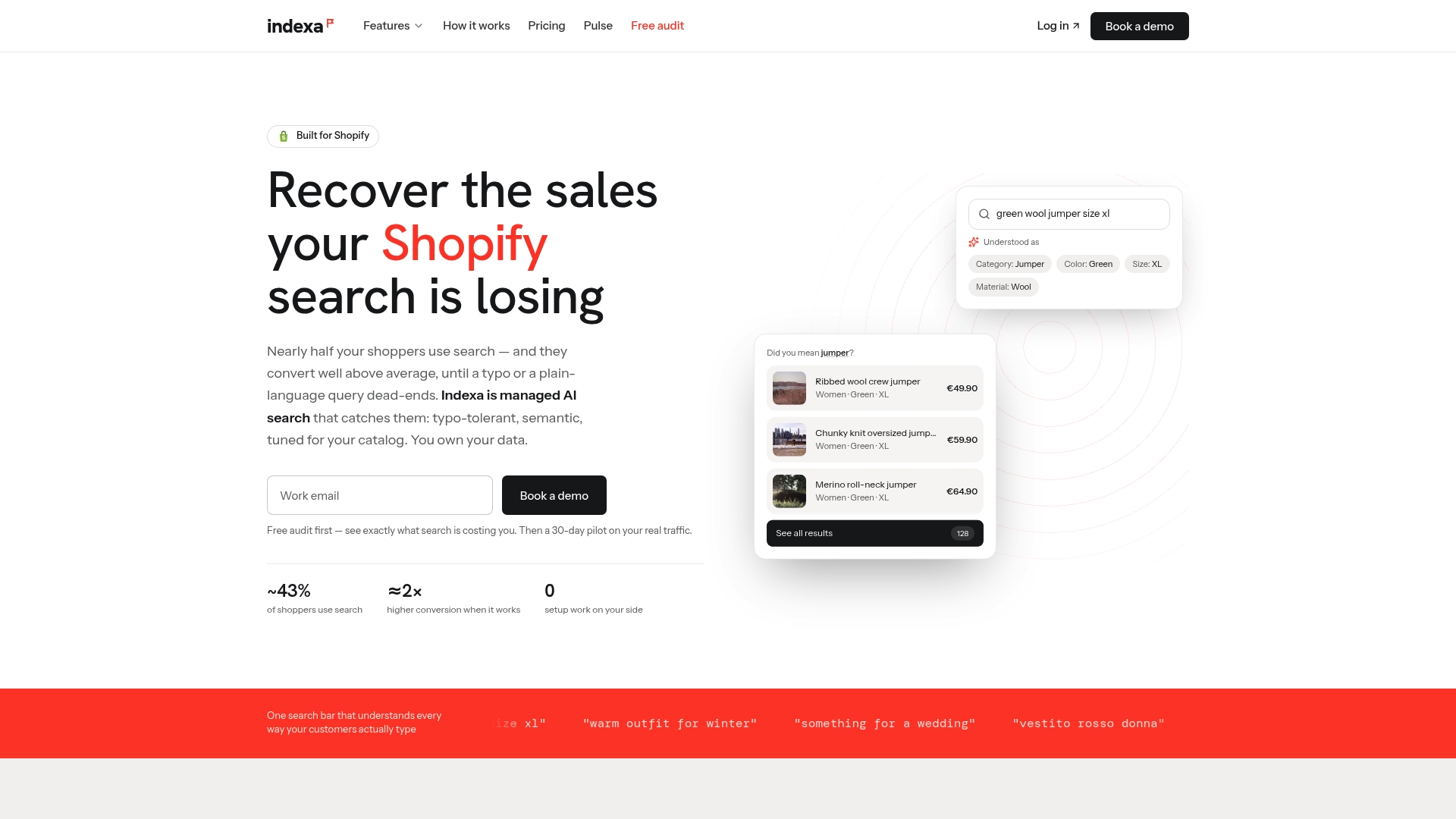
If you are comparing us with Shopify’s own tools, our page on the managed AI upgrade beyond Shopify Search & Discovery lays out what changes.
Common mistakes when budgeting for search
Budgeting only for the licence. The research is consistent that the licence is one of several lines. Include setup, merchandising hours and the effort to keep relevance fresh after each catalog update.
Forecasting from today’s traffic. A metered plan priced on an average month will look different after a sale or a campaign. Model your peak, not your median.
Skipping measurement. Without a baseline, you cannot tell whether a new tool paid for itself. Record your zero-result rate, search conversion and revenue per search session before you change anything. Our guide to Shopify search speed and relevance shows how to measure first and fix second.
Treating search as a one-time install. Catalogs change, seasons change and shopper vocabulary changes. A search that was tuned for last spring’s range will miss this autumn’s. Ongoing tuning is a cost whichever way you pay it, in staff time or in a managed service.
Fixing the wrong problem. Sometimes poor results come from messy product data, not from the tool. Our piece on search relevance and product data covers what to clean up first.

A worked example
Take an imaginary fashion store, with illustrative numbers rather than real results. It has 40,000 sessions a month, and 20 percent of them use search, so 8,000 sessions. Suppose 15 percent of those searches return nothing useful and half of those shoppers leave for good. That is 600 lost shoppers a month. If search sessions convert at 3 percent with a $70 average order, each lost shopper represents about $2.10 of expected revenue, or roughly $1,260 a month.

Now compare it with the two ways of spending. A cheap metered app that does not fix the failing queries leaves most of that $1,260 on the table and adds a usage bill. A service that fixes the failing queries and charges a flat fee recovers part of it with a cost you can forecast. The point of the exercise is the structure, not the figures: swap in your own numbers using the revenue calculator above, and see which side of the line your store falls on.
Who this matters most for
Small brands. You have the least slack for a bill that grows without warning and the fewest hours to spend on tuning. Predictable pricing and tuning done for you are worth more here than a long feature list.
Fashion and specialty retailers. Shoppers describe style, occasion and fit in loose language, and they misspell brand names. Semantic and typo-tolerant search address the way your customers actually type. See our overview of semantic search for Shopify for the top failures to fix first.
Stores that sell in more than one language. Multilingual catalogs can fall back to a single language in results, which quietly drops sales. We explain the cause in our guide to search language fallback.
FAQ
How much does site search software cost for an online store?
There is no single price, because tools bill in different ways: by search volume, by a fixed or revenue-linked contract, or by feature tier. Alium Research’s buyer interviews show that the licence is only one of several cost lines. For an accurate figure, forecast your own requests, records and staff time against each quote.
Why does my search bill go up as my store grows?
Under usage-based pricing, more traffic means more searches, and more searches mean a larger bill. Autocomplete can add to this because keystroke-level searches may each count. Alium’s switching study describes this as a structural cost pressure that grows with success. A flat retainer without per-request fees avoids the effect.
What is included in a managed search service?
At Indexa, the service covers typo-tolerant and semantic search, multilingual support, synonym mapping, a visual merchandising grid editor, product recommendations, integrated analytics and ongoing relevance tuning on your store’s data. It is native to Shopify, including Hydrogen, and we help with migration from other search platforms. Our pricing page covers the setup fee and monthly retainer.
How do I know if better search would pay for itself?
Start with your own numbers: the share of sessions that use search, your zero-result rate and your search conversion rate. Then estimate the revenue lost on failed queries and compare it with the full annual cost of a solution. The Site Search Revenue Calculator works through it with your inputs.
Can I switch search providers without losing my data?
We keep merchants as owners of their data, and we support migration from other search platforms. Ask any provider in writing who owns the data and how the exit works before you sign. Month-to-month billing makes the decision easier to reverse.
Sources
- What Buyers Actually Pay for Site Search Software, Alium Research
- Why Ecommerce Teams Switch Site-Search Vendors, Alium Research
- Internal Search Tuning: Fix Relevance Before Weights
Recommended
Make discovery work harder.
See what your Shopify search could do better with a free, hands-on audit.
Get your free search audit