Shopify Predictive Search: Setup, Customization, and Limits
Map Shopify predictive search docs to theme code, choose the right of three implementation paths, and run a free audit before you rebuild.

Shopify Predictive Search: Setup, Customization, and Limits
Shopify predictive search shows type-ahead suggestions for products, collections, pages, articles, and queries the moment a shopper starts typing, returning up to 10 results by default. Most merchants get everything they need by toggling the free Search & Discovery app; developers building headless storefronts or wanting fine-grained control over result types and searchable fields should reach for the Predictive Search Ajax API or the Storefront GraphQL API instead.
TL;DR:
- Shopify’s predictive search displays up to 10 relevant suggestions across products, collections, pages, articles, and queries, with the default limit scoped to all types combined unless adjusted.
- The feature relies on specific searchable fields like title, vendor, and variants, and may require expansion only if key product attributes are omitted, which can slow down query performance.
- Development options include using the no-code Search & Discovery app, the Ajax API for custom front-end builds, or Storefront GraphQL for headless storefronts, depending on the store’s architecture and control needs.
- Proper theme setup is crucial, as missing or misconfigured predictive-search sections cause suggestions not to appear; confirm theme support and section filename accuracy before debugging API calls.
- Ongoing tuning through synonym lists, result type adjustments, and monitoring key metrics such as zero-result rate and search conversion helps maintain search relevance amid catalog changes and growth.
Table of Contents
- How Shopify Predictive Search Works
- Which Implementation Path Fits Your Store?
- Building the Theme Integration Yourself
- Tuning Results: Settings, Synonyms, and What to Track
- Why Predictive Search Isn’t Showing Up
- Why We Think Continuous Tuning Beats a One-Time Fix
- Get a Free Audit Before You Rebuild Anything
- Sources
- FAQ
How Shopify Predictive Search Works
Predictive search matches a shopper’s partial query against a defined set of fields, then returns a mix of resource types ranked by relevance. Knowing which fields it actually scans explains why some products surface instantly and others never appear.
- Resource types returned: products (with variant-level matches), collections, pages, articles, and suggested search queries.
- Default searchable fields: title, product_type, variants.title, vendor, and body content for pages and articles.
- Typo tolerance: the engine tolerates minor misspellings, though partial-word matching requires at least four correct letters before tolerance kicks in.
- Result cap: 10 results by default across all types combined, though the limitScope parameter can flip that to up to 10 per type.
That limitScope distinction trips up a lot of merchants. If a shopper searches a broad term, limit_scope=all might return eight products and zero collections, burying navigation options a shopper actually wanted.
Which Implementation Path Fits Your Store?
Three paths exist for adding or adjusting predictive search on a Shopify site, and picking the wrong one wastes developer hours on a problem the app already solves.
- Shopify Search & Discovery app. This is the no-code layer. It lets merchants toggle which result types appear and decide how unavailable products get handled, without touching a theme file. If your theme already supports predictive search and you just need to hide out-of-stock items or adjust which content types show, stop here.
- Predictive Search Ajax endpoint. The
/search/suggest.jsonand/search/suggestroutes accept parameters likeresources[type],resources[limit](1 to 10),resources[limit_scope], andunavailable_products, giving developers a documented request and response structure to build custom front-end behavior on top of an existing theme. - Storefront GraphQL predictiveSearch query. For headless builds on Hydrogen or a custom storefront, this query exposes
searchableFields,types,limit,limitScope, andunavailableProductsas first-class arguments, letting you control exactly which fields get matched server-side rather than patching behavior client-side.
Run through this checklist before choosing a path: Does your theme already render a predictive-search section, or will you build one from scratch? Are you headless or theme-based? Do you need locale-specific searchable fields? Do you need real-time unavailable-product filtering? Do you need to track predictive search interactions in your Shopify SEO Automation analytics stack separately from full search-results-page views?
Pro Tip: Default searchable fields cover most catalogs fine. Only expand searchableFields in the Storefront API when your product titles omit key attributes shoppers actually type, like material or size, since broadening the field list without a clear gap just slows queries down for no relevance gain.
Building the Theme Integration Yourself
Here’s the part that surprises most developers new to this: the predictive_search object doesn’t exist when the page first loads. Shopify doesn’t send predictive data with the initial HTML because it would need to fetch and render results for every possible keystroke before a shopper types anything. Instead, the canonical pattern renders an empty placeholder section, then fetches results asynchronously once a shopper starts typing.
The implementation flow looks like this:
- Debounce the search input, typically 200 to 300 milliseconds, so you’re not firing a request on every keystroke.
- Fetch
/search/suggest?q={query}§ion_id=predictive-search, which returns rendered section HTML rather than raw JSON. - Parse that HTML response and inject it into the DOM in place of the placeholder.
- Wire up keyboard navigation and screen-reader support using the W3C ARIA listbox pattern, so arrow keys move focus through suggestions and screen readers announce the active option.
The single most common bug isn’t in the JavaScript. It’s a mismatch between the
section_idrequested and the actual section file name in the theme, or a missing predictive-search section entirely, which is why Shopify’s theme documentation treats this dependency as step one, not an afterthought.
Before debugging your fetch logic, confirm the theme actually declares predictive search support in its settings JSON. Developers often burn an hour chasing a JavaScript error that’s really a missing section reference.
Tuning Results: Settings, Synonyms, and What to Track
Getting predictive search live is one project. Keeping it relevant as your catalog grows is a different, ongoing one.
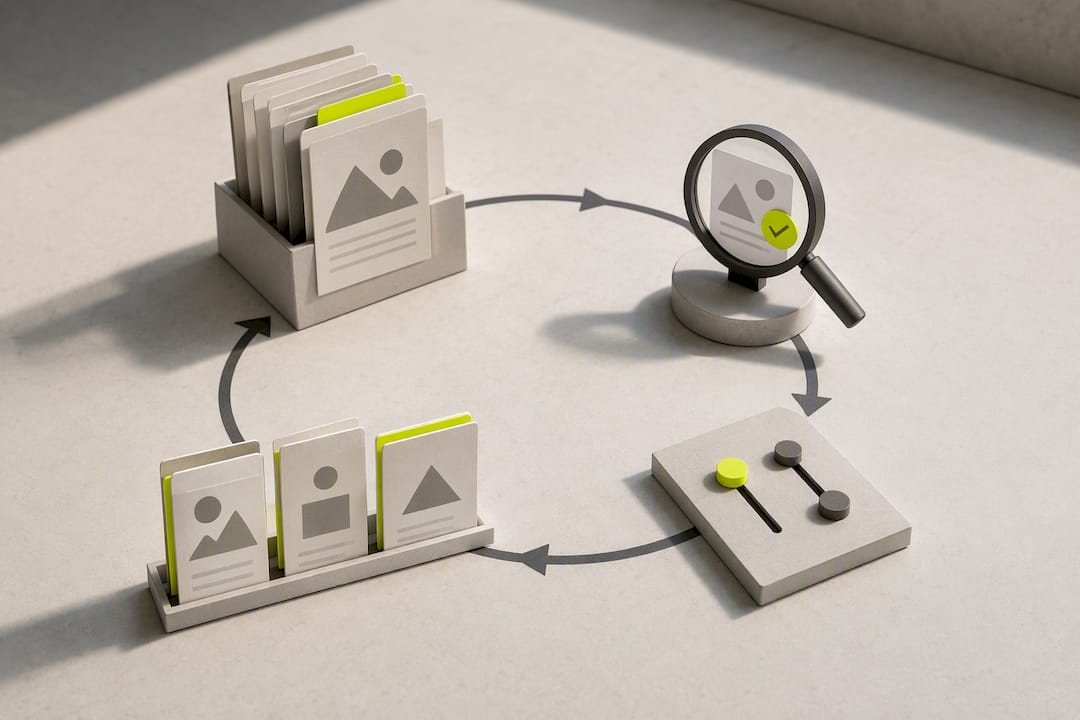
Inside Search & Discovery, adjust which result types display and how out-of-stock products behave, since showing a sold-out item at the top of suggestions is a fast way to lose a sale. Leave searchableFields at their defaults unless your product naming misses terms shoppers type, like a material or use case buried in the description instead of the title. Build a synonym list for the terms your support team hears constantly. “Sneakers” versus “trainers,” or a discontinued product name customers still search for, are classic zero-result generators that a synonym map fixes in minutes.
Four metrics tell you whether predictive search is actually working:
- Search click-through rate: the percentage of searches that end in a suggestion click.
- Search-to-order conversion: how often a predictive-search click leads to a purchase.
- Zero-result rate: searches returning nothing, your clearest signal for missing synonyms or thin catalog data.
- Time-to-first-click: how fast shoppers commit to a suggestion, a proxy for how relevant your top results actually are.
A rising zero-result rate is usually the first sign your search setup needs attention before it shows up as a bounce-rate problem.
Why Predictive Search Isn’t Showing Up
When suggestions don’t appear at all, the cause is almost always one of a handful of usual suspects rather than a broken API.
- Check the theme’s settings JSON for a predictive search flag. Many themes ship without it enabled by default.
- Confirm the predictive-search section file actually exists in the theme and that its
section_idmatches what your fetch request calls. - Verify the shopper’s locale is supported. Query suggestions are largely English-only, and collection suggestions are tied to your shop’s primary locale, so a multilingual store may see gaps in non-primary languages.
- For very large catalogs, test
limit_scope=eachso at least one product suggestion always appears alongside queries and collections rather than getting crowded out. - If none of that resolves it, consider whether a custom relevance layer or managed service would outperform continued patchwork fixes.
Why We Think Continuous Tuning Beats a One-Time Fix
Most predictive search problems don’t get solved once. A theme update ships, a new product line breaks your searchable-field assumptions, and the synonym list you built in January is stale by summer. That ongoing maintenance is where a fully managed approach earns its keep. Indexa’s pitch is straightforward: typo-tolerant, semantic search that gets tuned continuously rather than configured once and forgotten. If your store shows persistent low search conversion, high bounce from the search bar specifically, or your dev team simply doesn’t have bandwidth for ongoing relevance work, that’s the trigger point to look past DIY.
— Barikreativa
Get a Free Audit Before You Rebuild Anything
An alternative to rebuilding your search stack from scratch: instead of a developer sprint to patch searchable fields and synonym gaps every quarter, a managed layer can handle typo tolerance, semantic query understanding, and merchandising without requiring changes to theme code.

The free audit reviews your current search setup and flags exactly where shoppers are hitting dead ends, whether that’s zero-result queries, poor typo handling, or product suggestions that ignore stock status. From there, a 30-day pilot lets you run Indexa’s managed search alongside your existing setup with no long-term commitment, so you can measure the conversion difference directly before signing anything. Setup requires no code on your end; activation runs in minutes, not sprints. If persistent search friction is costing you sales you can’t fully diagnose yourself, start with the free Shopify search audit and see what it turns up.
Sources
FAQ
What Is Predictive Search?
Predictive search shows live suggestions, products, collections, pages, articles, and query ideas, as a shopper types into the search box, rather than waiting for them to hit enter. Shopify’s version returns up to 10 results by default and supports typo tolerance so minor misspellings still surface relevant matches.
What Is the Difference Between Predictive Search and Autocomplete?
Autocomplete typically just completes the text string you’re typing based on likely queries. Predictive search goes further, returning actual matching content, products with images and prices, collection links, articles, alongside query suggestions, which is why Shopify treats it as a distinct feature from simple text completion.
How Much Does Shopify Take From a $20 Sale?
Shopify’s transaction fees depend on your plan and payment provider, and vary by region and card type, so there’s no single flat percentage that applies to every store. Check your specific plan’s fee schedule in the Shopify admin, since third-party payment gateways typically carry an added fee on top of standard processing rates.
Why Isn’t Predictive Search Showing Up on My Store?
The most common cause is a theme that hasn’t enabled the predictive search setting in its configuration, or a missing predictive-search section file that the fetch request can’t find. Locale mismatches also cause this, since query suggestions are largely English-only and collection suggestions follow your shop’s primary locale.
Does Kim Kardashian Use Shopify?
Yes, SKIMS, the shapewear and apparel brand founded by Kim Kardashian, runs on Shopify’s platform. It’s frequently cited as an example of a high-volume Shopify store, though its search and discovery setup isn’t publicly documented in detail.
Recommended
Make discovery work harder.
See what your Shopify search could do better with a free, hands-on audit.
Get your free search audit