Out-of-Stock Handling in Search: A Shopify Playbook
How to handle out-of-stock products in store search: what to show, how to rank and label it, restock alerts, and the SEO rules that keep your pages safe.

Out-of-Stock Handling in Search: A Shopify Playbook
The best way to handle out-of-stock products in onsite search is to keep them findable, rank buyable products above them, label their status clearly, and give the shopper a next step: a restock alert or an in-stock alternative. Hiding them entirely makes shoppers think you never carried the item. Showing them at the top with no context sends shoppers to a dead end. The right setup depends on whether the product is coming back, so the rules below split temporary stockouts from discontinued items.
TL;DR
- Keep temporarily unavailable products visible in search, clearly labeled, and ranked below items shoppers can buy today.
- Never return an empty results page for a correctly spelled query. Show the unavailable match plus in-stock substitutes.
- Treat discontinued products differently: remove them from your product feed and redirect or repurpose their pages.
- Offer back-in-stock notifications and an expected date when you know it.
- Keep search, product pages and structured data telling the same story, so Google and shoppers see consistent availability.
Table of Contents
- Why search is where stockouts hurt most
- Decide first: temporary stockout or gone for good?
- What shoppers should see in the results
- Capture demand with restock alerts
- Protect your SEO while you handle stockouts
- Handle availability at query time
- A step-by-step setup for a Shopify store
- Common mistakes to avoid
- Our perspective on out-of-stock search
- See what your search does with sold-out products
- FAQ
- Sources
Why search is where stockouts hurt most
A shopper who types a query into your search bar is usually further along than a browser clicking through a collection. They know what they want. If your search then shows nothing, or shows a wall of sold-out items, the session ends.
The logic is simple. One search relevance guide makes the point that returning nothing for a correctly spelled query is likely to send shoppers elsewhere. The same is true when the first eight results are unbuyable. In both cases the shopper did everything right and your store failed them.
Out-of-stock handling is therefore not an inventory problem. It is a search and merchandising decision about what a shopper sees at the moment of highest intent. Shopify gives you some basic controls, but the defaults rarely cover the full picture. We walk through the options below, from the simplest settings to a fully managed setup.
Decide first: temporary stockout or gone for good?
Every rule in this article depends on one question: will the product come back?
The Ahrefs team frames it the same way in its guide to out-of-stock products, saying the right handling depends on circumstances and that permanently and temporarily unavailable products may need different treatment. Google’s own product data rules draw a sharp line too: Merchant Center guidance says not to mark products you no longer sell as out of stock, and to remove them from your product data instead.
Here is a practical way to sort your catalog:
| Situation | Search behavior | Product page | Product data |
|---|---|---|---|
| Temporarily out of stock, restock expected | Visible, labeled, ranked below in-stock items | Live, with alert signup and expected date if known | Availability set to out of stock |
| Seasonal or recurring item, off-season | Visible but low priority, or surfaced only for exact queries | Live, with a note on when it returns | Out of stock or preorder, depending on your policy |
| Backordered or preorder | Visible, labeled with the ship window | Live, buy button stays active | Backorder or preorder |
| Discontinued, close replacement exists | Removed from default results, replacement shown | Redirect to the replacement or its collection | Removed from feed |
| Discontinued, no replacement | Removed from results | Repurpose as a support page or redirect to the category | Removed from feed |
The table also shows why a single store-wide toggle, “hide everything out of stock,” is blunt. It treats a hoodie that returns in two weeks the same as a product you will never reorder.
What shoppers should see in the results
Rank buyable products first
Putting unavailable items at the bottom keeps them as an option without frustrating shoppers who want to buy right now. Yoast recommends exactly this in its ecommerce SEO guide: place out-of-stock products at the bottom of category or search results. The same logic applies to search, with one exception worth building in. When the shopper types an exact product name or SKU, the match they asked for should appear first even if it is sold out, labeled as such, with substitutes directly beneath it.
That is a relevance rule, not a simple sort. A query for “linen wrap dress” should rank in-stock linen wrap dresses first. A query for the exact name of a sold-out style should rank that style first, then alternatives. Basic stock-based sorting cannot tell those two cases apart. This is one reason we treat availability as a ranking signal inside search rather than a filter bolted on afterward.

Label status in plain words
Google’s guidance for landing pages is useful as a design standard. The Merchant Center availability help page says a page for an out-of-stock product should show clear text such as “sold out” or “item not available,” or a disabled or greyed-out buy button. Apply the same clarity inside search results:
- A short badge on the product card: “Sold out,” “Back in stock soon,” or “Ships in 3 weeks.”
- Image treatment that signals status without hiding the product, such as a muted image or a banner. Yoast lists greying out images or adding a banner as common approaches.
- No active add-to-cart button on unavailable cards, so a click never ends in an error.
Variants need care. A jacket that is sold out in medium but available in small and large should not be labeled sold out. Show the product as available and mark the missing size on the product page, or show size availability on the card if your theme allows it.
Never show a dead end
The worst result is a sold-out product with no way forward. For temporarily unavailable products, the search relevance guidance recommends keeping them visible but clearly labeled, giving an expected date if known, and surfacing in-stock substitutes. Make sure each unavailable card or product page does at least one of these:
- Offers a back-in-stock alert.
- States an expected restock date when you have a real one.
- Shows two to four in-stock alternatives in the same category, price band or style.
For a deeper look at how to wire this into a Shopify store with native settings and Shopify Flow, see our walkthrough on fixing out-of-stock search on Shopify.
Capture demand with restock alerts
A sold-out product that still gets searched is telling you something. Every search for it is a demand signal, and an alert signup turns that signal into a list of people ready to buy the day stock lands.
Yoast suggests managing expectations with back-in-stock email notifications or a wishlist. On WooCommerce, a restock request plugin works this way: shoppers request notification and receive automated emails when products return, and merchants can use the requests to understand demand and plan restocking. Shopify merchants can build the same pattern with a back-in-stock app or a Flow-based email trigger.
Three habits make alerts work harder:
- Put the signup where the intent is. Show it on the sold-out card in search and on the product page, not only in the footer.
- Count requests per product. A product with 200 pending alerts and zero stock is a purchasing decision waiting to be made.
- Keep promises small. Only show an expected date when it comes from a supplier confirmation. A missed date erodes trust faster than no date.
If you also run push or email re-engagement for returning shoppers, product recommendation pushes are one way to bring people back once an item is available again or to point them to a similar one.
Protect your SEO while you handle stockouts
Search handling inside your store and handling for Google are separate systems, but they should agree. A few rules keep them aligned.
Keep pages live when the product is coming back
Google’s documentation on pausing an online business says that if a pause is temporary, you should keep the site online and limit functionality, for example by disabling the cart, to minimize negative effects on search presence. The same principle works at product level: leave the page up, disable purchase, and say when it returns.
Yoast adds a warning worth knowing. Google might treat product pages with out-of-stock products as soft 404s and drop those URLs from search results. That risk rises when a page is thin: a title, an empty buy button and nothing else. Give unavailable pages real content, such as specifications, size guidance, reviews, an alert form and alternatives, so they remain useful to a visitor and to a crawler.
Reuse pages that cannot sell
Patrick Stox of Ahrefs argues in the Ahrefs guide that leaving out-of-stock pages live can help capture search traffic, as long as those pages funnel visitors to alternatives or serve as support documentation rather than dead ends. For a discontinued product with backlinks and traffic, that might mean a page that explains the product line has been replaced and links to the successor.
Keep structured data truthful
Product structured data can express availability values such as OutOfStock, BackOrder or Discontinued, according to Yoast. Match the value to reality, and make sure it matches what the visible page says. If search shows “sold out” while your markup says in stock, you create a mismatch that can trigger Merchant Center warnings and unhappy shoppers.
If you are also tuning product page content for search visibility, this guide to optimizing product pages for sales and SEO covers the on-page side of the same job.
Hide banners from snippets
If you add a store-wide notice about shipping delays or stock, Google’s pause guidance suggests using the data-nosnippet HTML attribute so banner or popup content does not show up in search result snippets. Ask your developer to apply it to the banner element.
Handle availability at query time
Many search setups store a simple in-stock flag in the index. That works until availability varies by shopper: different warehouses, regional shipping, store pickup, or a variant that sells out hourly. One search-relevance resource recommends handling availability at query time, using a filter or rescoring step, instead of relying on a static boolean in the index.
For a Shopify store, the practical meaning is simple. Inventory changes fast, and search results that lag behind the real stock level will show “available” items that are gone. Look for a search setup that syncs catalog and inventory continuously, and test it: set a product’s inventory to zero, then search for it two minutes later.
If your inventory sits in a separate system, the quality of that sync decides what search can show. A fixed-fee partner can help here: Shopify inventory management optimization covers WMS and ERP integrations that keep stock counts accurate before search ever reads them.

A step-by-step setup for a Shopify store
Here is a sequence you can complete in a week.
- Export your zero-inventory products. Tag each as temporary, seasonal, backordered or discontinued. This is the manual work that makes every later rule smarter.
- Pull your search logs. List the top 50 queries that return zero in-stock results. These are your highest-value fixes. Our guide on long tail queries on Shopify shows how to find and recover them.
- Set the ranking rule. In-stock first, unavailable after, exact-name matches promoted regardless of stock.
- Add labels and alerts. Status badge on cards, signup on cards and product pages.
- Add substitutes. For every unavailable match, show in-stock alternatives. Start with the same collection and a similar price band, then refine with behavior data. A short guide to cross-sell recommendations shows quick adds that fit this slot.
- Fix discontinued items. Remove them from the feed, redirect or repurpose their pages, and take them out of default search.
- Test with real queries. Check typos, plural forms and synonyms, because a misspelled query for a sold-out item combines two failures. Our notes on testing search relevance explain how to score results objectively.
A worked example
Say a boutique sells a black wool coat that sold out on Friday and returns in three weeks. A shopper searches “black wool coat” on Saturday.
The result page should show in-stock black and charcoal wool coats first. The sold-out coat should appear within the results, badged “Back in stock soon,” with an alert signup. If the shopper typed the coat’s exact name, it moves to the top with the same badge and three alternatives right under it. The product page stays live, the cart button is disabled, the structured data says out of stock, and the page links to similar coats.
Nothing about that experience required hiding the product, and no shopper hit a dead end.
Common mistakes to avoid
- Hiding every sold-out item. Shoppers searching for it assume you do not sell it, and you lose the alert signups.
- Leaving sold-out items on page one. Buyers scroll past unbuyable cards and bounce.
- Labeling a product sold out when only one variant is gone.
- Using a past date as the restock date. Show a date only if it is current and confirmed.
- Keeping discontinued items in the feed as out of stock. Google’s guidance says to remove them instead.
- Ignoring zero-result queries. Typos, synonyms and natural phrasing can turn available products into invisible ones. See our approach to search spell correction.
Shopify’s built-in controls handle some of this, but ranking exceptions, query-time availability and tuned substitutes usually need more. We compare the native tooling with a managed approach on our page about going beyond Shopify Search & Discovery.
Our perspective on out-of-stock search
Most stores treat a stockout as a warehouse event. Shoppers experience it as a search event. The query was right, the product exists, and the store still has nothing to offer.
We built Indexa around the idea that availability is a relevance signal, not a switch. Typo-tolerant and semantic search find the product the shopper meant. A visual merchandising grid lets you decide how unavailable items sit among the results. Catalog syncing keeps the picture current, and ongoing tuning on your real store data means rules improve as shoppers show you what they search for.
The goal is not to hide the gap. It is to turn a missed sale into an alert signup or a click on a close alternative. Merchants keep ownership of their data, and the service is managed, so nobody on your team has to maintain synonym lists or sorting rules by hand.
Barikreativa
See what your search does with sold-out products
If you want to know how your store handles these cases today, we offer a free audit of your search. We look at zero-result queries, typo handling and how unavailable products appear, then show you where sales are leaking.
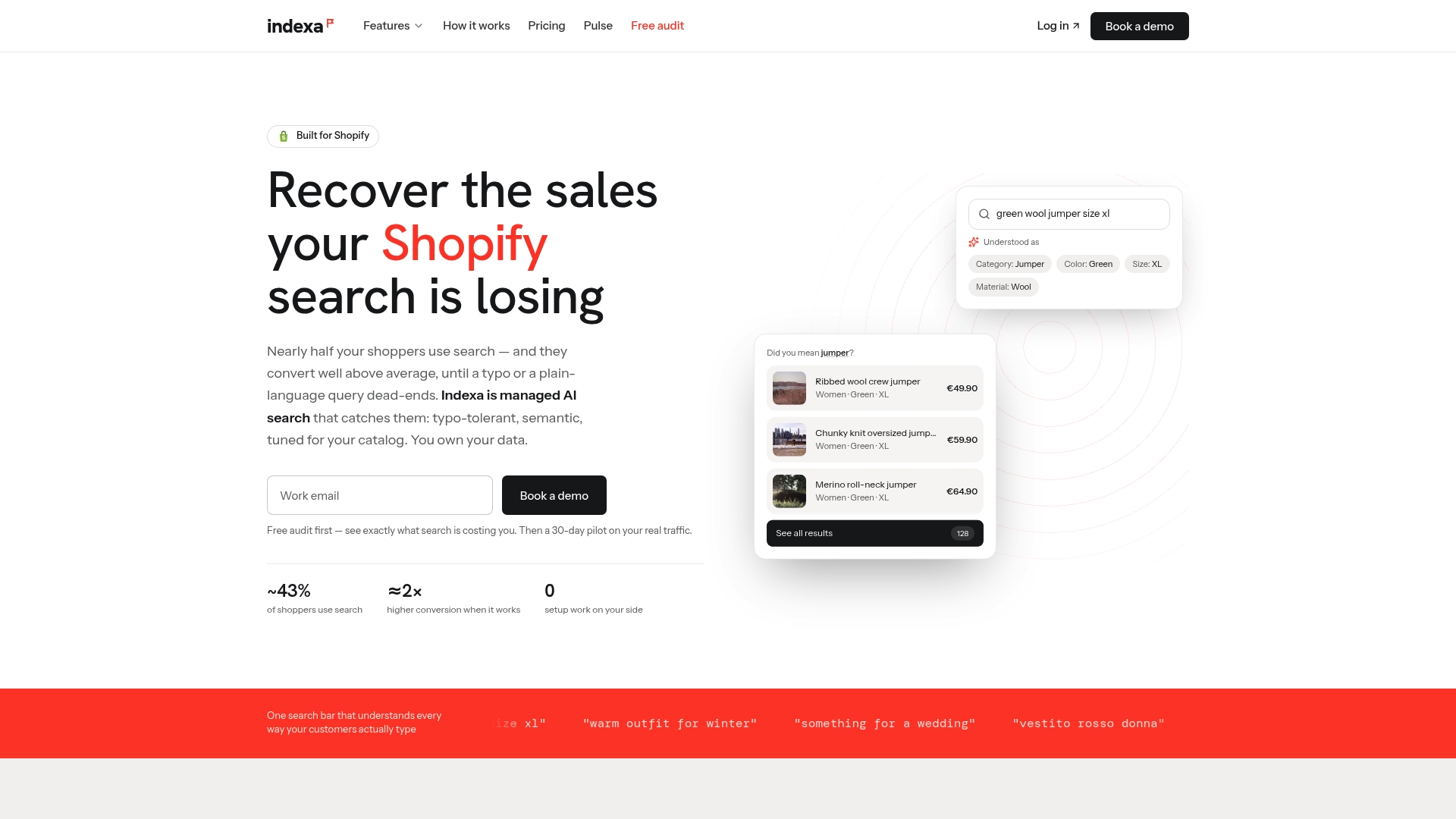
Indexa is a fully managed AI search and discovery service for Shopify stores, with no setup or coding required on your side. You can start with a 30-day pilot and review how pricing works, or use the site search revenue calculator to estimate what poor search may be costing you. Our features page lists everything included, from synonym mapping to product recommendations and analytics.
FAQ
Should out-of-stock products show up in site search?
Yes, when they are temporarily unavailable. Keep them visible, label them clearly, rank in-stock products above them and offer a restock alert or alternatives. Remove products you have discontinued from default results, since they can never convert.
Should I delete the page for a discontinued product?
Not automatically. If the page has traffic or backlinks, Ahrefs suggests repurposing it to send visitors to alternatives or to provide support content. If it has neither, redirect it to the closest replacement or category. Either way, remove the product from your product data rather than marking it out of stock.
What should I show when a searched product is sold out?
Show the product with a clear status, an expected date only if you know it, a back-in-stock signup and two to four in-stock substitutes. The goal is to give the shopper a next step so the session does not end at the sold-out card.
Will keeping sold-out pages live hurt my SEO?
It does not have to. Google advises keeping a site online during a temporary pause and limiting functionality, such as disabling the cart. Yoast notes that thin out-of-stock pages can be treated as soft 404s, so keep each page substantial and accurate, with matching structured data.
Sources
- Ahrefs: How Should You Handle Out-of-Stock Products?
- Yoast: How to handle out-of-stock products for ecommerce SEO
- Google Merchant Center Help: Availability
- Google Search Central: Temporarily pause or disable a website
- Search Relevance: Unavailable Search Results
- WooCommerce: Product Restock Request
- StorePush: Product recommendation pushes
- Baby Love Growth: Optimize product pages for sales and SEO
- Zcoder: Shopify WMS and inventory management
Recommended
Make discovery work harder.
See what your Shopify search could do better with a free, hands-on audit.
Get your free search audit