Collection Sorting Rules for Shopify: How to Choose Yours
Learn how Shopify collection sort order works, when to sort manually or automatically, and how to build a merchandising strategy that sells more products.

Collection Sorting Rules for Shopify: How to Choose Yours
A collection sorting rule decides which product a shopper sees first on a category page, and on most Shopify stores the right rule is a mix: automated sorting for the bulk of the catalog, with a handful of products placed by hand. Shopify gives you a short list of built-in sort options. The skill is matching one to each collection, then adding human judgment where the data alone gets it wrong. If you want that merchandising handled for you, our managed AI search and discovery service includes a visual grid editor for search and category pages.
TL;DR
- Shopify’s collection sort values are alphabetical (A-Z and Z-A), best-selling, newest first, price low to high, price high to low, and manual, according to Shopify’s Admin API documentation.
- Use automated sorting for large, fast-moving collections and manual sorting for small, curated ones such as launches, gift guides and hero collections.
- Match the rule to the shopper’s intent: browsers respond to best-sellers and newness, deal hunters to price, and returning customers to fresh arrivals.
- Sorting is one part of merchandising. Pinning, hiding out-of-stock items and reviewing results on a schedule matter just as much.
- Pin a few products by hand and let rules order the rest, so the collection stays current without daily work.
Table of Contents
- What a collection sorting rule actually does
- The sort options Shopify gives you
- Manual versus automated sorting
- What signals sort algorithms use
- How to choose a sorting strategy for each collection
- A worked example: a fashion store’s dresses collection
- Collection merchandising is more than the sort order
- Common mistakes with collection sorting
- Our perspective
- Let us run your merchandising
- FAQ
- Sources
What a collection sorting rule actually does
Every collection page is a list, and shoppers read lists from the top. Most never scroll far. The rule that orders that list is therefore a sales decision, not a cosmetic one. If your top row shows slow sellers, out-of-stock items or last season’s colors, the shopper reads your store as stale and leaves.
On Shopify, each collection has one sort setting. You choose it in the admin on the collection’s page, and shoppers can change the view themselves if your theme offers a sort dropdown. The setting you choose is the default order a first-time visitor sees, and that is the one worth getting right.
Two terms are worth fixing in your head:
- Manual sort means you drag products into the exact order you want, and the order stays until you change it.
- Automated sort means a rule, such as best-selling or newest, reorders the collection by itself as data changes.
The sort options Shopify gives you
Shopify’s Admin REST documentation lists the values a collection’s sort order can take: alpha-asc, alpha-desc, best-selling, created, created-desc, manual, price-asc and price-desc. In plain language, that gives you the following.
| Sort rule | What it does | Best for |
|---|---|---|
| Best selling | Puts products with the most sales first | Large collections, general browsing, proven winners |
| Newest (created-desc) | Puts the most recently created products first | Fashion drops, seasonal and fast-turn catalogs |
| Oldest first (created) | Puts the oldest products first | Rarely useful; sometimes for evergreen series |
| Price, low to high | Cheapest first | Deal-driven shoppers, sale and clearance collections |
| Price, high to low | Most expensive first | Premium and gift collections |
| Alphabetical A-Z or Z-A | Orders by product title | Catalogs where shoppers look up a known name, such as brands or parts |
| Manual | Your own drag-and-drop order | Small, curated, campaign-driven collections |
Notice what every one of these has in common: each orders the collection by a single key. That is simple and predictable, and for many collections it is enough. It also explains why merchants end up needing more control. A collection ordered purely by best-selling will keep pushing the same winners forever, and one ordered by newest will put a brand-new product with no track record above a proven seller.
Manual versus automated sorting
The real decision is not which of eight values to pick. It is whether a person or a rule should own the order.
When manual sorting wins
Manual sorting suits collections where the order tells a story: a new-season landing page, a holiday gift guide, a “complete the look” set, a collection tied to an email campaign. These collections are usually small, so dragging products into place is quick, and the order is part of the pitch.
The cost is upkeep. A manual order does not know that a size run sold out or that a product fell out of favor. Someone has to revisit it. If a collection has more than a few dozen products and changes weekly, manual sorting becomes a chore that gets skipped, and the page quietly decays.

When automated sorting wins
Automated sorting suits large collections, such as “Dresses” or “Sneakers”, where hundreds of products change status all the time. A rule such as best-selling or newest keeps the order current without anyone touching it. The trade-off is control: you cannot easily say “this product matters strategically, show it first”, because the rule decides.
The hybrid that most stores need
The approach that works for most catalogs is to let a rule order the collection and pin a small number of products by hand at the top. You get freshness from the rule and intent from the pin. Shopify’s native manual and automated options are separate settings, so combining them takes some care. A visual grid editor does it directly: our merchandising grid editor lets you pin products and automate the rest, on search and category pages alike.
What signals sort algorithms use
When people talk about collection sort algorithms, they mean a rule that scores each product on one or more signals and orders the collection by that score. The common signals are:
- Sales volume: how many units sold over a recent window. The window matters. All-time sales favor old products; the last 7 or 30 days favor what is selling now.
- Recency: how new the product is. Useful in fashion, where newness is a purchase reason in itself.
- Price: low to high or high to low, either as a shopper choice or a store default.
- Stock level: whether the product is available, and in which sizes. A product that is sold out in most sizes is a poor lead product.
- Margin: how much you earn on each sale. Stores that care about profit, not only revenue, weigh this.
- Engagement: views, add-to-carts and click-through from the collection page.
Shopify’s built-in rules cover the first three directly, one at a time. Anything that blends several signals, such as “best-selling, but not sold out, with a boost for new arrivals”, is a more advanced merchandising rule and needs a tool built for it.
How to choose a sorting strategy for each collection
Treat this as a short decision process. Work through your collections from the highest-traffic down.
Step 1: Sort your collections into types
Most stores have four kinds of collection:
- Core category collections (tops, shoes, kitchen knives): large, evergreen, high traffic.
- Campaign and curated collections (spring edit, gift guide): small, time-bound.
- Sale and clearance collections: price-led.
- Brand or vendor collections: shoppers arrive looking for a name.
Step 2: Assign a default rule to each type
- Core categories: best-selling as the base, with a few pinned products.
- Campaign collections: manual.
- Sale collections: price low to high, or best-selling if you want proven discounted items first.
- Brand collections: best-selling, or alphabetical if the catalog is large and shoppers look up specific items.
Step 3: Think about who is looking
A shopper arriving from an ad for a specific product is in a different mood from one browsing on a Sunday. New visitors usually trust social proof, so best-sellers work well for them. Returning customers have seen your best-sellers many times, so newness helps. If your analytics let you split these groups, check whether your collection pages convert differently for each.
Step 4: Check the first row on mobile
On a phone, the first screen may show only two to four products. Open each important collection on a real phone and look at only what appears before scrolling. If those products are sold out, off-brand or low margin, fix the order. This ten-minute check often finds more problems than any report.
Step 5: Review on a schedule
Set a recurring review: weekly for fast-moving fashion, monthly for slower catalogs. Look at which products lead each collection, how conversion on the collection page has moved, and which products have dropped out of stock. A sorting rule that is never reviewed turns into a default nobody chose.
A worked example: a fashion store’s dresses collection
Imagine a store with 240 dresses in one collection. It is sorted by best-selling, so the top row is the same six dresses that led last quarter, two of them now available in only a few sizes. New arrivals sit on page four, where almost nobody goes.
A better setup keeps best-selling as the base rule, since it keeps proven products near the top. Then the merchandiser pins two new arrivals into the first row so they get early exposure, and pins one seasonal piece that matches the current campaign. Products sold out in most sizes are moved down. The page now carries a mix of proof, newness and campaign focus, and it stays current because the base rule keeps updating.

The example uses made-up numbers to show the logic, not results you should expect. The point is the structure: a rule for scale, hand placement for intent.
Collection merchandising is more than the sort order
A collection merchandising strategy is the plan for what shoppers see on category pages and why. Sort order is the biggest lever, but several others sit beside it.
Pagination and loading
Shopify’s theme documentation says a collection’s products are available in pages of at most 50 per page, so large collections are split across pages. That makes the top of page one even more valuable, and it makes the choice between pagination and infinite scroll part of the experience. We cover that trade-off in our guide to infinite scroll versus pagination. Long collection pages with lots of images also need to load quickly, and a caching plugin for Shopify is one of the speed levers stores look at.
Filters
Filters let shoppers narrow a collection by size, color or price. A sort rule applies inside whatever the shopper has filtered, so a good default order helps even after filtering. If filters also affect your search engine visibility, our piece on faceted search around the 25 filter limit explains how to keep it safe.
Consistency between search and collections
Shoppers move between your search box and your category pages. If a search for “black dress” shows a very different, less thoughtful order than your “Dresses” collection, the store feels inconsistent. The same merchandising thinking applies in both places, which is why our practical guide to Shopify search merchandising treats them together.
Hiding and demoting weak products
Out-of-stock products, near-duplicates and low-quality listings drag down a collection. Demote them, or remove them from the collection until they are ready.
Common mistakes with collection sorting
- Leaving every collection on one default. A single setting across the store means no collection was chosen on purpose.
- Sorting a small curated collection automatically. The order is the pitch; protect it.
- Never revisiting a manual order. Stale manual collections quietly lose sales.
- Using all-time best-selling. Old products dominate. Prefer a recent window when your tool allows it.
- Ignoring stock. A beautiful first row of unavailable sizes is a dead end.
- Judging by looks alone. Compare conversion and revenue per visit for the collection page before and after a change, over a long enough period to smooth out campaigns.
Our perspective
Most stores treat the sort dropdown as a setting. We treat it as the highest-traffic shelf in the shop.
What we see in the way we build our service is that a single sort key is a good starting point and rarely the finish line. A rule gives you scale, and a person gives you intent. The best category pages combine both: pinned products where the business has a reason, automated order everywhere else.
That is why our visual merchandising grid editor covers both search results and category pages, and why we tune relevance on real store data instead of leaving it as a one-time setup. Search and collections are one shopping experience, and shoppers judge them as one.
Barikreativa
Let us run your merchandising
If you would rather not rebuild collection orders by hand every week, Indexa is a fully managed AI search and discovery service for Shopify stores. It includes a no-code console, a visual merchandising grid editor for search and category pages, product recommendations and integrated analytics, and we handle installation and ongoing tuning. Billing is monthly, without per-request fees, and you keep ownership of your data.
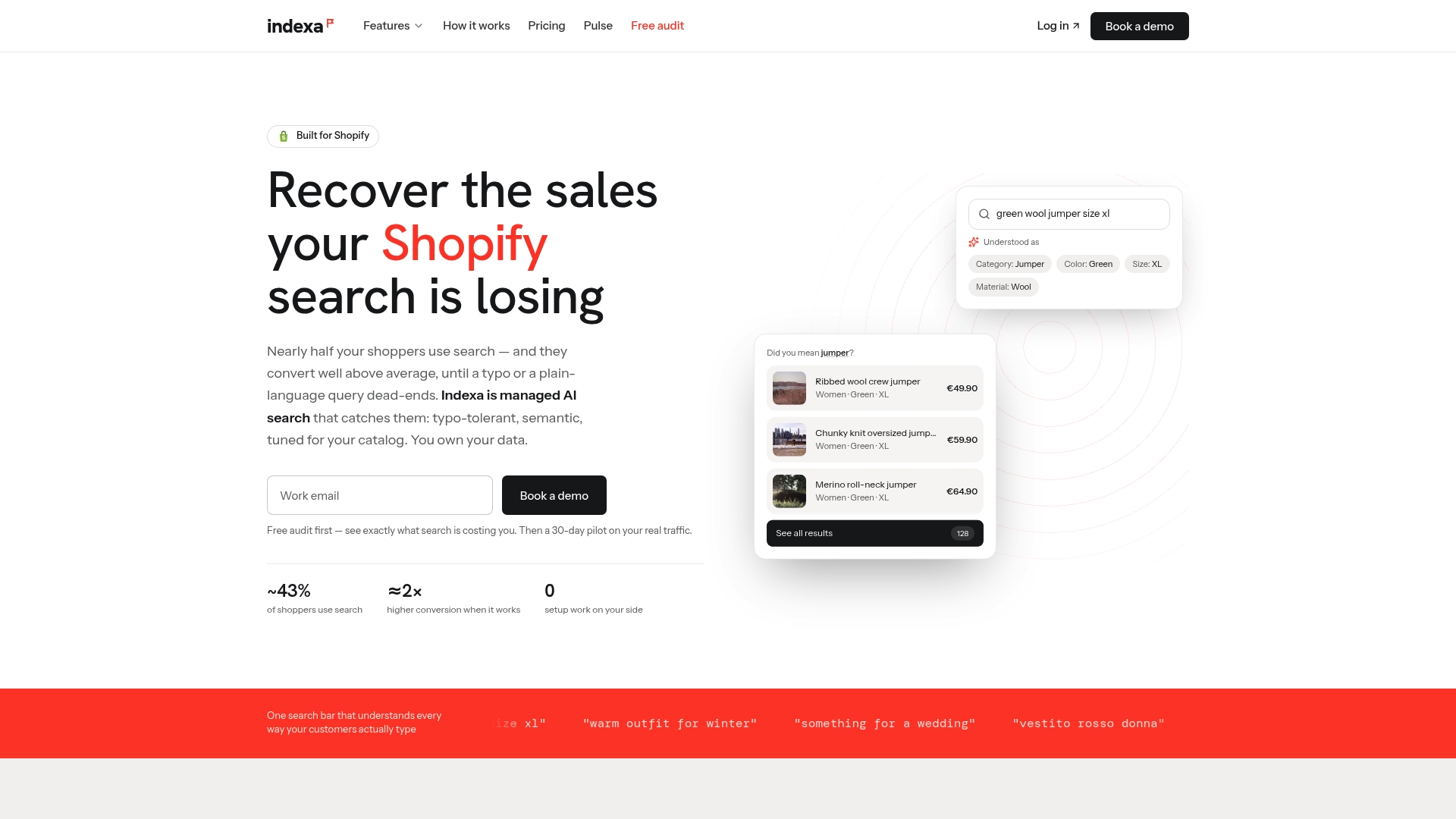
The easiest first step is our free audit, or see how the 30-day pilot, setup fee and flat monthly retainer work.
FAQ
What is the best collection sorting rule in Shopify?
For large, general collections, best-selling is the most common starting point because it surfaces products that already convert. For campaign collections, manual is better. The best rule depends on the collection’s purpose, so assign them by collection type rather than choosing one for the whole store.
Can I combine manual and automated sorting in a collection?
Shopify’s native settings give each collection one sort order, listed in its API documentation as either manual or one of the automated values. To pin a few products and let a rule order the rest, use a merchandising grid editor such as the one in our Indexa service.
How often should I review collection sort order?
Weekly for fast-moving fashion and seasonal catalogs, monthly for slower ones. Also review after a campaign ends, a big restock or a product launch, since each changes which products should lead.
Does sort order affect search results too?
Collection sorting and search ranking are separate systems, but shoppers experience them together. Thoughtful merchandising on both keeps the store consistent, and our free Shopify search test shows how your search handles common queries.
Sources
Recommended
Make discovery work harder.
See what your Shopify search could do better with a free, hands-on audit.
Get your free search audit