Attribute Normalization in Ecommerce: A Shopify Guide
Attribute normalization turns messy product values like navy, midnight and navy blue into one clean option, so filters and search work. Here is how to do it.

Attribute Normalization in Ecommerce: A Shopify Guide
Attribute normalization means choosing one standard way to write each product attribute value, then mapping every variant to it, so “navy”, “Navy Blue” and “midnight” become one color that filters and search can treat as one thing. It is unglamorous catalog work, and it decides whether a shopper who types “blue cotton dress” sees your blue cotton dress. Done once, it fixes your filters. Kept up, and paired with search that reads your data and your shoppers’ words, it keeps fixing them. That is the part Indexa’s managed search takes off your hands.
TL;DR
- Normalization picks one canonical value per attribute (Color: Navy) and maps all variants, spellings and units to it.
- Fold spellings, never distinctions: “Navy” and “navy blue” merge, “Navy” and “Black” never do.
- The sequence that works: export every distinct value with a count, define the canonical list in shopper words, map, apply, then govern new entries.
- Clean attributes feed filters and search, but shoppers still type typos, slang and natural language, so search needs its own layer on top.
- A managed search service can keep tuning that layer from real store data while you own the catalog.
Table of Contents
- What attributes are, and why inconsistent ones cost sales
- Examples of product attributes for fashion stores
- Why string matching is not enough
- How to normalize your attributes, step by step
- Units and formats: the quiet filter killers
- What normalization fixes, and what it does not
- Where Indexa fits
- Our perspective
- FAQ
- Sources
What attributes are, and why inconsistent ones cost sales
An attribute is a structured fact about a product: color, size, material, fit, neckline. Marketplaces describe them as limited, category-specific details sellers add so buyers can find items. Etsy, for example, explains that attribute words can match search queries and power sidebar filters, and that a listing shows up in a filtered result only if it carries that attribute.
That last point is the whole problem. A filter is a literal match. If half your dresses say “Navy”, a quarter say “Navy Blue” and the rest say “Midnight”, the filter panel shows three separate colors, each with a fraction of your stock. Shoppers pick one, see a thin result set and leave. Material buried in a description paragraph does not match a material filter at all.
Shopify’s own guidance points the same way. Its product taxonomy guide cites a 2026 Baymard Institute benchmark finding that 39% of ecommerce sites have issues supporting feature searches such as “blue cotton T-shirt”, and recommends applying those details as filters. That only works when every product in the category has consistent values. It also advises using the same attribute names across categories so one filter covers the whole catalog.

Examples of product attributes for fashion stores
Fashion catalogs break in predictable places. These are the attributes worth auditing first:
| Attribute | Typical mess | Normalized value |
|---|---|---|
| Color | Navy, navy blue, Midnight, Dk Blue | Navy |
| Size | S, Small, small, Sm | S |
| Material | 100% cotton, Cotton, cotton blend | Cotton (blend kept as its own value) |
| Fit | Slim, slim fit, Slim-Fit | Slim fit |
| Sleeve length | Long, LS, long sleeve | Long sleeve |
| Neckline | V neck, V-Neck, vneck | V-neck |
| Pattern | Striped, stripe, Pinstripe | Striped (pinstripe kept if shoppers filter on it) |
Shopify’s standard product taxonomy gives you a head start. Once a product has a category, such as Shirts under Apparel & Accessories, you can fill category metafields (Shopify’s name for attributes) like size, neckline, sleeve length, fabric, target gender and color. They come with default entries you can use as is or rename. Starting from that list means your canonical values already exist.
Why string matching is not enough
It is tempting to think a find-and-replace on spelling fixes everything. It fixes a lot, but not all. Researchers working on this problem at scale found that free-form values often mean the same thing without looking alike: “HD”, “1280 X 720” and “720p” all describe one TV resolution. Normalizing them to a single canonical form matters for search filters, product comparison and duplicate detection, and their model mapped values correctly 78.4% of the time across 50 attributes, against 48.5% for a majority-class baseline.

Fashion has its own versions: “charcoal”, “graphite” and “anthracite” might be one shade to your shoppers or three. That judgment is yours, and it is why a rules-first approach with human review for the unclear cases beats a blind automatic merge.
There is a second layer of complexity once a catalog grows. A study of explicit attribute extraction in ecommerce search counted roughly 86,000 distinct attribute ID-title pairs in a large catalog, and noted that category-specific attributes can carry different IDs and values even when their titles look the same. A “Size” on shoes and a “Size” on tops are not the same list. Normalize per category, then align names across categories.
How to normalize your attributes, step by step
1. Export every distinct value, with a count
Pull your products into a spreadsheet and list each unique value per attribute, with the number of products using it. Sort by frequency. Color might show 47 values, but if the top ten cover most of your catalog, the project is small. The long tail is where the typos and one-off entries hide.
Where it goes wrong: variants live in more than one place. Shopify variant options, tags, metafields and product titles may all carry color. Decide which field is the source of truth before you clean anything.
2. Choose the canonical list in shopper words
For each attribute, pick one name per real option. Use the term shoppers type, not the supplier’s code or your internal shorthand. Check your search terms and the words in customer emails, and keep the list consistent with your sales channels. Google Merchant Center, for instance, has its own rules for color values, so a list that already respects them saves rework when you advertise.
Keep the list short enough to be useful as a filter. Shopify’s Search & Discovery filters allow up to 25 filters per store, and a filter displays at most 100 values on the storefront, so a color attribute with 300 raw values will have some values hidden. Grouping similar values is part of the fix.
3. Map every variant in a two-column table
Column one is what exists today. Column two is the canonical value. Merge spellings, casing, punctuation and unit formats freely. Where an old value fits no canonical value, flag it for a person instead of guessing.
The rule to remember: folding spellings is safe, folding distinctions is not. “Navy” and “navy blue” can merge. “Cotton” and “cotton blend” probably cannot, because shoppers care about the difference. If a distinction matters to buyers, give it its own value or its own attribute.
4. Empty the non-values
Entries such as “N/A”, “none”, “see image” or “absent” are not values. Clear them so they register as gaps. A gap can be filled and counted. A fake value sits in your filter as an option that matches nothing useful.
5. Apply the mapping and recount
Run the table through your catalog, by import or bulk edit, then export the distinct values again. The count should drop sharply and the remaining values should all be canonical. Do this before you enforce strict validation. Locking down entry on a non-standard catalog just produces a flood of errors.
6. Stop the mess coming back
Normalization without upkeep decays. New suppliers, new seasons and new staff reintroduce variants within months. Keep the mapping table, name an owner who approves new values, use dropdown-style fields (Shopify’s metaobject-backed category metafields) instead of free text, and run every future supplier file through the mapping before it reaches the store. For the pipeline side of this work, these data mapping best practices are a useful companion.
Units and formats: the quiet filter killers
Size and measurement attributes cause the most subtle failures. “10x20x30cm” and “10 x 20 x 30 cm” look identical to a person and different to a filter. Pick one unit and one format per attribute, store the number separately from the unit where you can, and distinguish a true zero from a missing value. In fashion this shows up in inseam lengths, shoe sizes across regional systems, and waist measurements in inches versus centimeters. Decide your base format, say US sizes with the conversion kept as a separate attribute, and map everything to it.
What normalization fixes, and what it does not
Clean attributes make your facets trustworthy, and they give search something solid to match against. If you want to go deeper on the filter side, our guides on faceted search on Shopify around the 25 filter limit and when to use facets at high cardinality cover how to present the cleaned values.
But normalization only handles your data. Shoppers bring their own: “jaket”, “dress for a beach wedding”, “something warm for hiking”. No amount of catalog cleanup turns those into matches. That takes typo tolerance, semantic matching and a maintained synonym map between shopper language and your canonical values. Our synonym strategy guide shows how to fix zero-result queries without hurting relevance, and the zero-result search analyzer shows which queries are failing today.
A practical way to see where you stand: look at your top failing queries and ask for each one whether the cause is data (a missing or inconsistent attribute) or language (a word your catalog never uses). Data causes get fixed with the steps above. Language causes get fixed in search. Our five search metrics article explains which numbers to watch.
Where Indexa fits
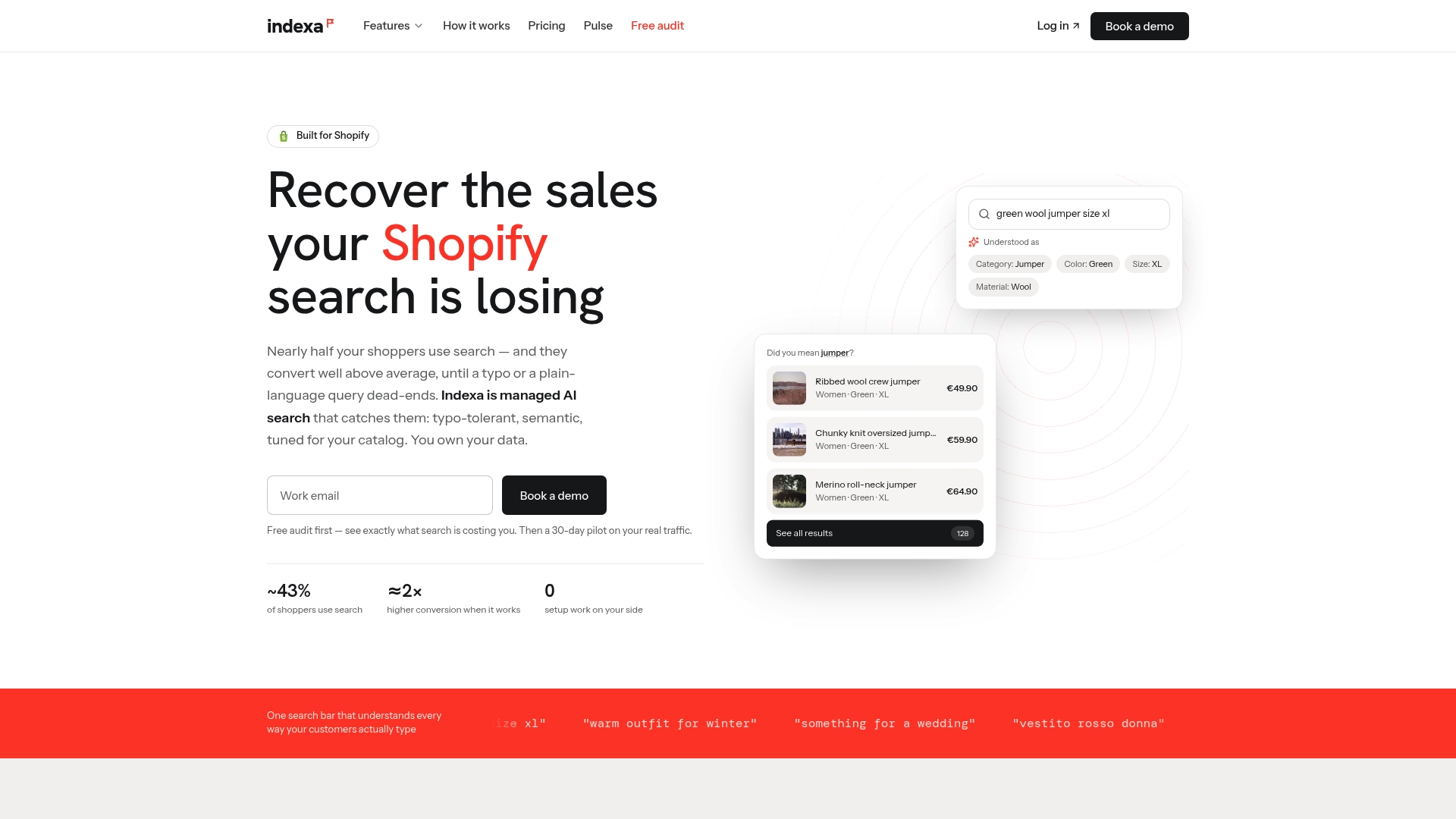
Indexa is a fully managed AI search and discovery service built for Shopify stores. It offers typo-tolerant and semantic search, multilingual support, synonym mapping and ongoing relevance tuning based on your real store data. It also includes a visual merchandising grid editor for search and category pages, plus catalog syncing, and it connects natively to your storefront, including Shopify Hydrogen. There is no setup or coding on your side, you keep ownership of your data, and billing is month to month with no per-request fees.
If you want to know how your own catalog and queries look before changing anything, start with the free audit. If you would rather see results on your own store, there is a 30-day pilot, and the pricing page explains the setup fee and flat monthly retainer.
If you are moving from another search tool, Indexa also offers migration support. Our guide on fixing your data first and testing in a 30-day pilot shows the order we recommend.
Our perspective
Most search complaints we hear from merchants sound like search problems and turn out to be two problems stacked together: a catalog whose values do not agree with each other, and shoppers who do not type the way the catalog is written.
We think the right answer treats both. Clean, consistent attributes are the foundation, and every merchant should build them. But a catalog is never finished. Suppliers change, seasons turn over, and shoppers invent new words for the same jacket. A one-time cleanup is a snapshot.
That is why we run search as a managed service. Our approach is designed around continuous tuning from your real store data: synonym mapping between shopper language and your canonical values, typo tolerance, semantic matching and a merchandising grid you control without code. The goal is a store where the work you put into your attributes keeps paying off every month.
Barikreativa
FAQ
What is attribute normalization in ecommerce?
It is the process of standardizing how each product attribute value is written, so that variants such as “Navy”, “navy blue” and “Midnight” map to one canonical value. The result is filters that group products correctly and search that matches them reliably.
What is the difference between normalization and standardization?
In catalog work the terms are used almost interchangeably. Standardization often refers to the rules you set (allowed values, units, formats), and normalization to the act of converting existing messy values to those rules. You need both: the rules going forward, and the cleanup of what you already have.
Should I merge similar values like cotton and cotton blend?
Only if shoppers do not distinguish between them. Merge spelling and formatting differences freely, but keep any difference that shoppers filter on or that changes the product, such as fabric content. When unsure, flag the value for review instead of guessing.
Does normalization fix zero-result searches?
It fixes the ones caused by inconsistent data. Searches that fail because of typos, slang or natural-language phrasing need typo tolerance, semantic matching and synonyms. Review your failed queries and sort them into data causes and language causes to see which fix each needs.
Sources
- Add Attributes to Help Increase Your Shop’s Visibility, Etsy Seller Handbook
- Product Taxonomy: Examples & Best Practices, Shopify
- Shopify’s Standard Product Taxonomy, Shopify Help Center
- Adding filters with Shopify Search & Discovery, Shopify Help Center
- Scalable Approach for Normalizing E-commerce Text Attributes (SANTA), arXiv
- Explicit Attribute Extraction in E-Commerce Search, ACL Anthology
- Data Mapping Best Practices
Recommended
Make discovery work harder.
See what your Shopify search could do better with a free, hands-on audit.
Get your free search audit